
It’s 3 AM. Your e-commerce site crashes. Customers can’t checkout. Revenue bleeds every minute. After handling 80+ emergency calls in three years and working with 300+ businesses across Europe and the Gulf, I know one thing: WordPress emergency support isn’t optional—it’s your business lifeline.
When your site goes down, every second counts. This guide covers everything you need to respond fast and get back online.
In this article, you’ll discover:
- What qualifies as a WordPress emergency
- Common critical issues and their solutions
- How to choose reliable emergency support
- Prevention strategies to minimize future crises
- Cost structures and response times
- Essential tools for quick recovery
Let’s get your site back online.
What Is WordPress Emergency Support?
WordPress emergency support is immediate, expert assistance when your website faces critical issues that can’t wait for regular business hours.
It’s not about changing a font color or adding a new page. It’s about fixing problems that stop your site from functioning—completely or partially.
Think of it like calling an ambulance versus scheduling a routine checkup. Emergency support tackles the urgent, business-critical problems.
I worked with a boutique hotel chain in Girona called Meridian Stays. Their booking system crashed during peak summer season. Every hour offline cost them approximately €2,400 in lost reservations. That’s when you need emergency support, not a ticket in a queue.
The difference between regular support and emergency support? Response time, availability, and priority handling.
Regular support might respond in 24-48 hours during business days. Emergency support means someone picks up within minutes, any time, any day.
Common WordPress Emergencies
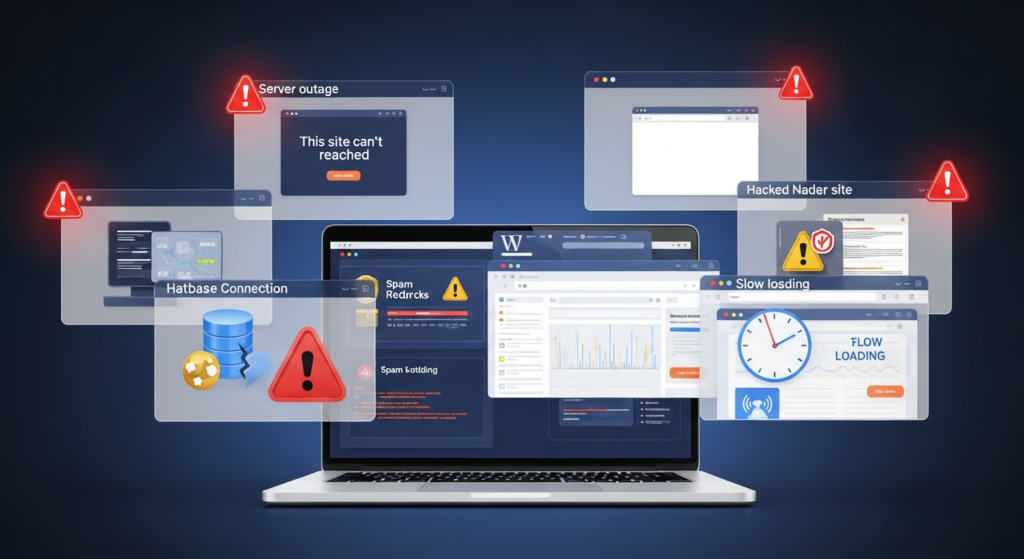
Website Completely Down
The dreaded “This site can’t be reached” message. Your entire website is offline.
Causes include server issues, DNS problems, hosting account suspension, or database connection failures. I’ve seen this happen to a manufacturing supplier in Tallinn after their hosting company did an unannounced migration.
White Screen of Death (WSOD)
Your site loads a blank white page. No error messages. Nothing.
Usually caused by plugin conflicts, theme issues, PHP memory limit exhaustion, or faulty code in functions.php. A financial consulting firm in Amman experienced this after a plugin auto-update. We fixed it in 18 minutes.
Hacked or Compromised Site
Your site redirects to spam pages, displays malicious content, or gets flagged by Google Safe Browsing.
WordPress security breaches happen daily. Over 40,000 WordPress sites get hacked every single day according to recent 2025 security reports. An online fashion retailer in Ghent lost customer trust when their site started displaying pharmaceutical spam. We cleaned the malware, patched vulnerabilities, and restored their reputation.
Database Connection Errors
The classic “Error establishing a database connection” message appears instead of your website.
This means WordPress can’t communicate with your database. Corrupted database tables, wrong credentials, or overloaded servers cause this. Happens more often than you’d think.
Plugin or Theme Conflicts
After an update, features break, pages display incorrectly, or the admin dashboard becomes inaccessible.
A logistics company in Riga updated their booking plugin and suddenly couldn’t process any shipment requests. Their entire operation stopped until we rolled back and found a compatible version.
Slow Performance or Timeout Errors
Pages load extremely slowly or time out completely, even though the site isn’t technically down.
For e-commerce sites, every second of delay reduces conversions. Amazon found that 100ms of latency costs them 1% in sales. Your site might be “up” but essentially unusable.
Why You Need Immediate WordPress Support
Revenue Protection
Every minute your site is down, you’re losing money. E-commerce sites lose an average of $5,600 per minute during outages according to 2025 industry data.
A furniture store in Bahrain I worked with lost €8,000 in just four hours when their checkout page crashed on Black Friday. WordPress maintenance isn’t optional—it’s revenue protection.
SEO and Ranking Impact
Google doesn’t like unreliable websites. Extended downtime hurts your search engine optimization efforts and rankings.
If your site is inaccessible when Google tries to crawl it, you risk losing visibility. I’ve seen sites drop 40+ positions after prolonged downtime issues.
Customer Trust and Reputation
Nothing damages credibility faster than a broken website displaying error messages or, worse, security warnings.
A professional services firm in Stockholm lost three major clients because prospects visited their hacked site showing spam content. The repair cost was minor. The reputation damage? Massive.
Data Security and Compliance
Breaches expose customer data, potentially violating GDPR, CCPA, and other regulations.
Legal consequences include fines, lawsuits, and mandatory disclosure to affected users. The average cost of a data breach in 2025 is $4.45 million globally. WordPress security is non-negotiable.
What to Look for in Emergency Support Services
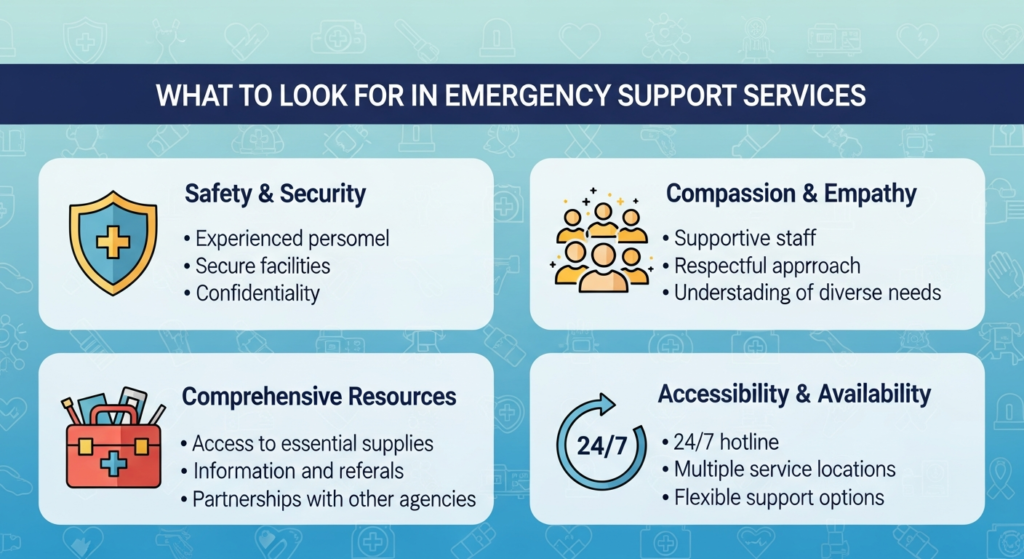
24/7 Availability
Real emergencies don’t happen 9-to-5. Your support team should be reachable any time.
Check if they offer phone support, live chat, or ticketing systems. I recommend services with multiple contact methods and guaranteed response times under 15 minutes.
WordPress Expertise
Generic tech support won’t cut it. You need specialists who live and breathe WordPress.
They should understand the WordPress core, popular plugins, hosting environments, database structures, and security best practices. Ask about their team’s certifications and experience level.
Proven Track Record
Look for testimonials, case studies, and documented emergency resolutions.
How many emergencies have they handled? What’s their average resolution time? Do they specialize in WordPress website issues or are they generalists?
I’ve partnered with specialist teams who’ve resolved over 10,000 WordPress emergencies. That experience matters when your site is bleeding revenue.
Security Capabilities
Your emergency support should handle malware removal, security hardening, and vulnerability patching.
They need tools like Wordfence, Sucuri, or iThemes Security knowledge. They should provide post-recovery security audits and recommendations.
Backup and Recovery Systems
Before fixing anything, professionals create backups. Always.
Ask about their backup protocols and recovery procedures. Can they restore your site if the fix goes wrong? An educational platform in Bremen learned this the hard way when an inexperienced developer made things worse.
How Emergency Support Works
Initial Contact and Assessment
You report the issue through their emergency channel. They gather initial information about what’s happening.
Good services ask specific questions: When did it start? What changed recently? What error messages appear? This diagnostic phase saves time.
Immediate Triage
They determine severity and prioritize accordingly. Complete site down? Top priority. Minor admin issue? Lower priority.
Response times vary by severity. Critical emergencies get immediate attention. Less urgent issues might queue slightly longer but still receive same-day resolution.
Access and Investigation
They need access to your WordPress dashboard, hosting control panel, and sometimes FTP or SSH.
Use temporary access tools or create specific emergency accounts. Never share your primary admin credentials unnecessarily. Security matters even during emergencies.
Problem Resolution
Experts diagnose the root cause and implement fixes. This might involve disabling plugins, switching themes, repairing databases, removing malware, or restoring from backups.
A pharmaceutical distributor in Muscat had a plugin conflict causing checkout failures. We isolated the problem plugin, found an alternative, and had them processing orders within 90 minutes.
Testing and Verification
After fixing, they test functionality across different devices and browsers. They verify the issue is truly resolved, not just temporarily patched.
Documentation and Prevention
Professional services provide a post-incident report explaining what went wrong, what was fixed, and how to prevent recurrence.
This documentation is gold. It helps you understand your vulnerabilities and improve your WordPress maintenance practices.
Prevention: Reducing Future Emergencies
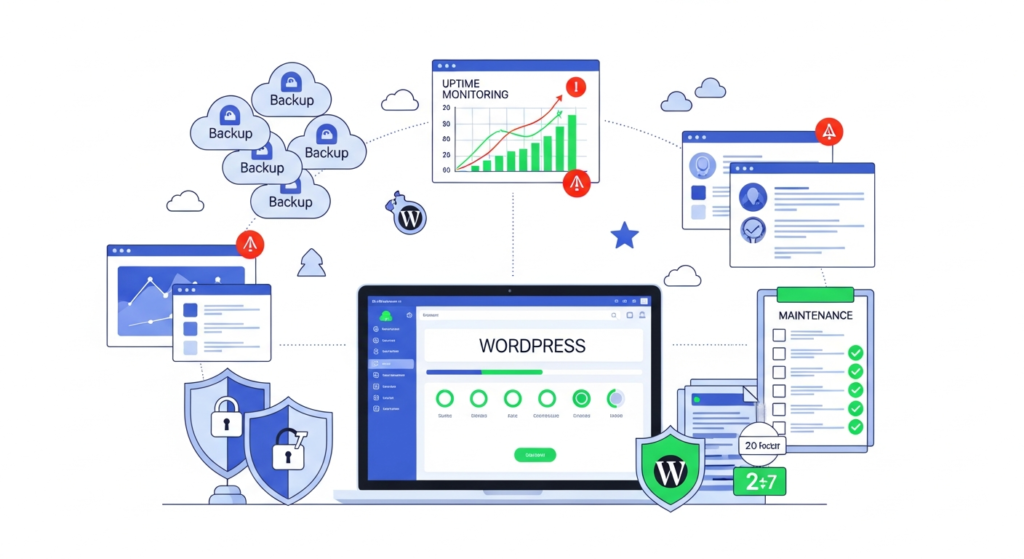
Regular Backups
Automated daily backups are non-negotiable. Use plugins like UpdraftPlus, BackupBuddy, or VaultPress.
Store backups off-site—different server, cloud storage, multiple locations. A jewelry e-commerce site in Valencia lost everything when their server died. No backups. Years of content gone. Don’t let this be you.
Proactive Monitoring
Install uptime monitoring tools like Pingdom, UptimeRobot, or ManageWP. They alert you immediately when something breaks.
Early detection means faster response. Sometimes you can fix issues before customers even notice.
Staged Updates
Never update plugins, themes, or WordPress core directly on your live site. Use staging environments to test first.
Many hosting providers offer one-click staging. Use it. An insurance broker in Doha crashed their site updating a form plugin without testing. Lost a full day of business.
Security Hardening
Implement basic security measures: strong passwords, two-factor authentication, limited login attempts, security plugins, and regular security scans.
Change your WordPress login URL. Disable file editing in the dashboard. Remove unused plugins and themes. These simple steps prevent 90% of common attacks.
Professional Maintenance Plans
Consider monthly WordPress support retainers that include monitoring, updates, security scans, and emergency response.
Prevention is cheaper than emergency fixes. A maintenance plan typically costs $100-500 monthly. Emergency repairs can run $500-5,000 depending on severity.
Costs and Response Times
Pricing Structures
Emergency support typically costs more than regular support due to 24/7 availability and immediate response.
Expect $150-300 per hour for reputable emergency services. Some offer incident-based pricing—$500-2,000 per emergency regardless of hours. Monthly retainers with included emergency support range $200-800.
Response Time Expectations
Critical emergencies: 15-30 minute response, resolution in 1-4 hours depending on complexity.
High priority issues: 30-60 minute response, same-day resolution.
Standard urgency: 2-4 hour response, 24-hour resolution.
These are industry standards. Some premium services guarantee faster response times.
Frequently Asked Questions
1. What qualifies as a WordPress emergency?
Critical issues like complete site downtime, hacked sites, white screen of death, database errors, or security breaches that need immediate attention.
2. How quickly should emergency support respond?
Professional services respond within 15-30 minutes for critical issues and resolve most problems within 1-4 hours.
3. How much does WordPress emergency support cost?
Expect $150-300 per hour or $500-2,000 per incident. Monthly retainers with emergency support range from $200-800.
4. Can I prevent WordPress emergencies?
Yes, through regular backups, proactive monitoring, staged updates, security hardening, and maintenance plans. These prevent about 90% of emergencies.
5. What information do I need for emergency support?
WordPress admin access, hosting credentials, issue description, when it started, recent changes, and error messages displayed.
Conclusion
WordPress emergency support is your safety net when digital disaster strikes. Whether it’s a hacked site, database failure, or mysterious white screen, having expert help available 24/7 protects your revenue, reputation, and peace of mind.
The key takeaways? Choose emergency support before you need it. Implement prevention strategies to reduce crisis frequency. When emergencies happen—and they will—respond immediately with professional help.
Don’t wait until 3 AM when your site crashes to start searching for help. Research providers now. Establish relationships. Set up monitoring and backups today.
Your WordPress site is too important to leave vulnerable. Invest in proper emergency support and sleep better knowing experts are ready when crisis strikes.
Need help now? Look for providers with proven WordPress expertise, 24/7 availability, and transparent pricing. Your business deserves nothing less.